Call your Microsoft Teams colleagues straight from Google Chat
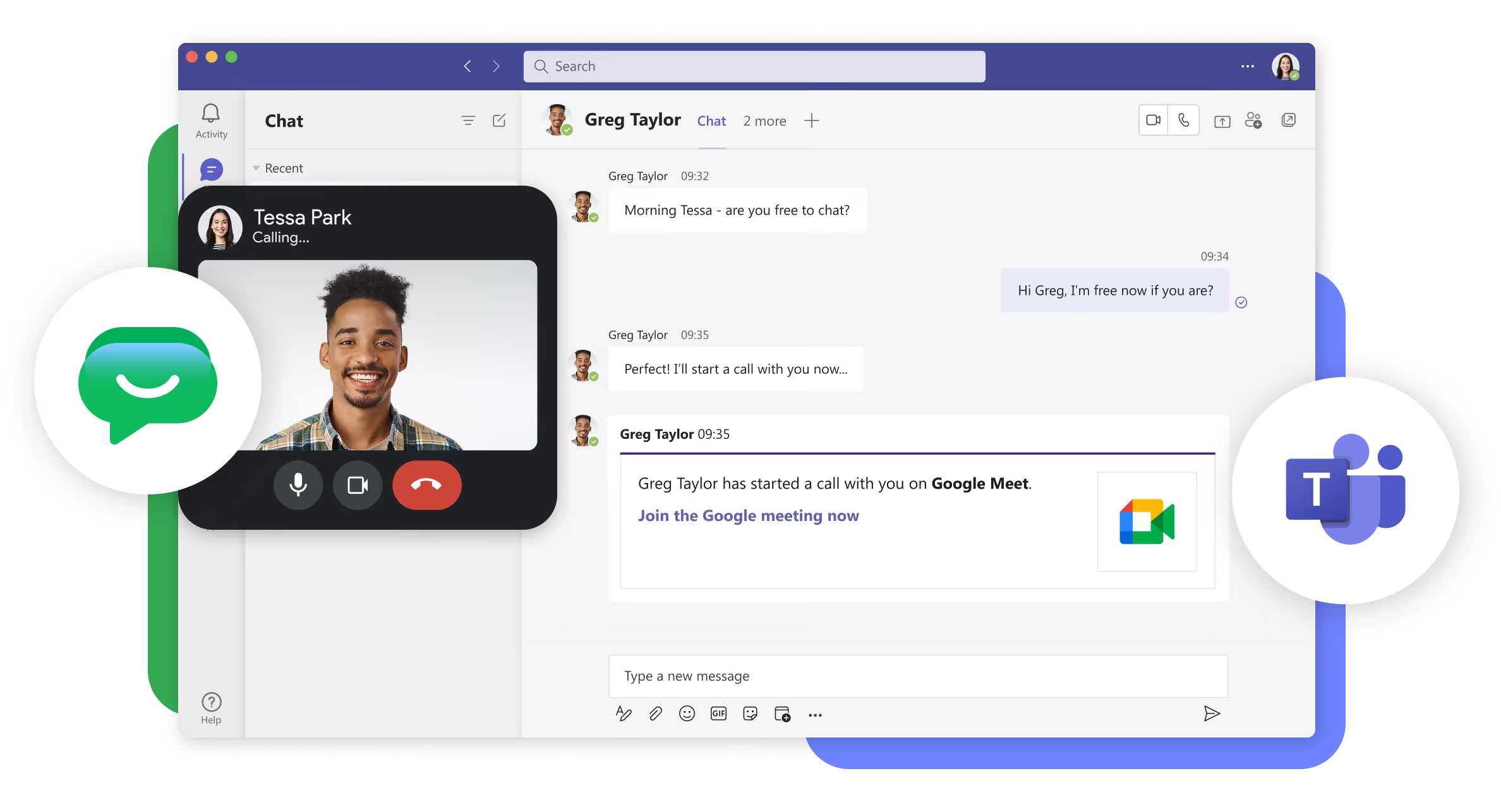
Start a Google Meet call from Google Chat, and Mio delivers the invitation to your colleague in Microsoft Teams. They join your meeting with a single click.
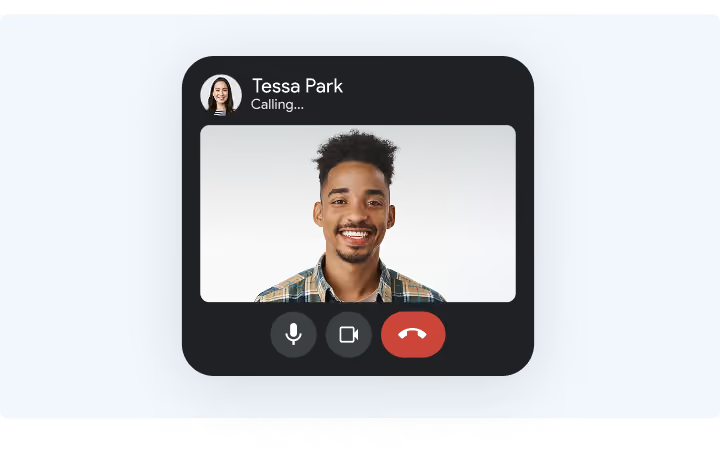
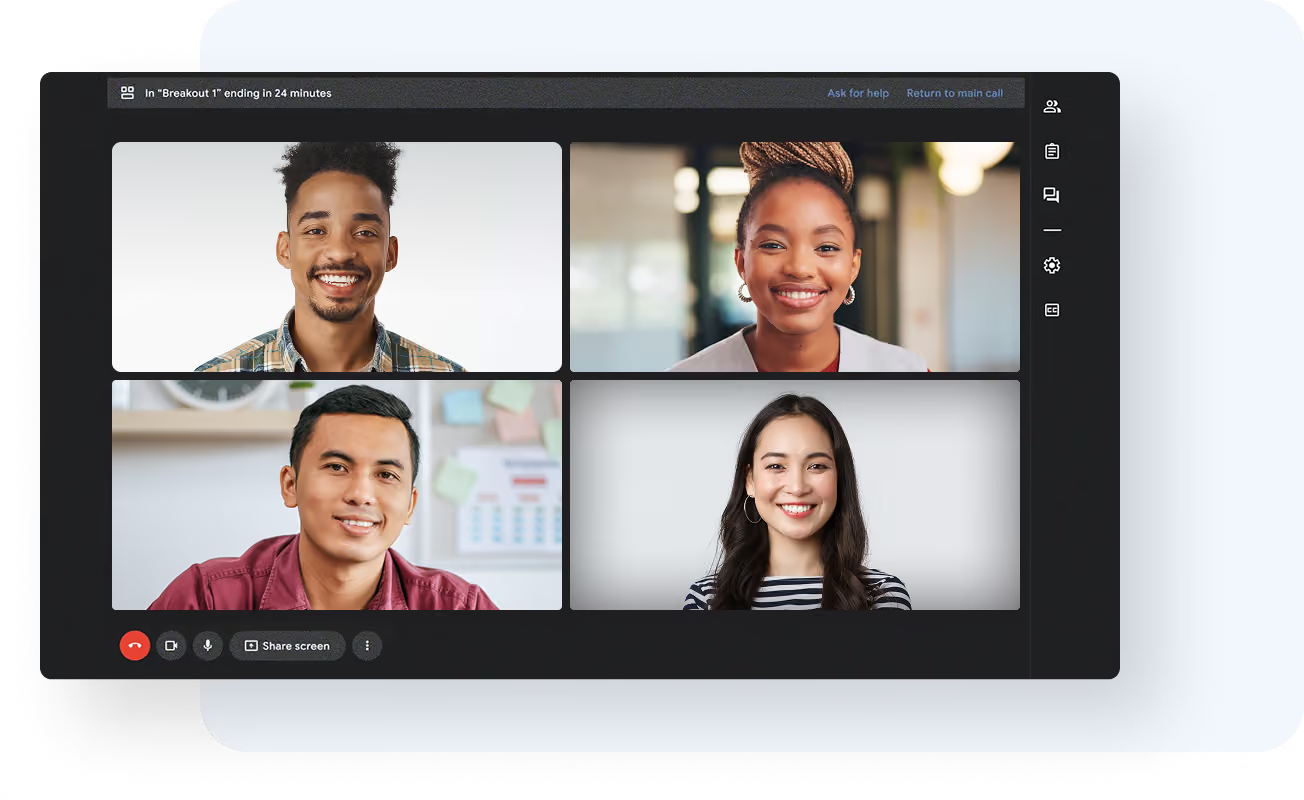
A Google Chat user initiates a call or meeting with a cross-platform colleague.
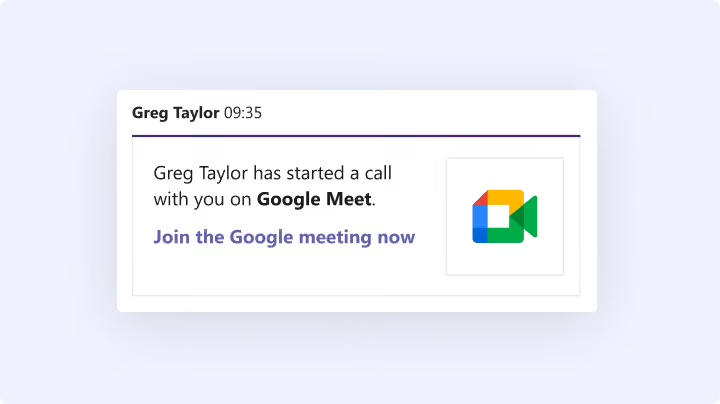
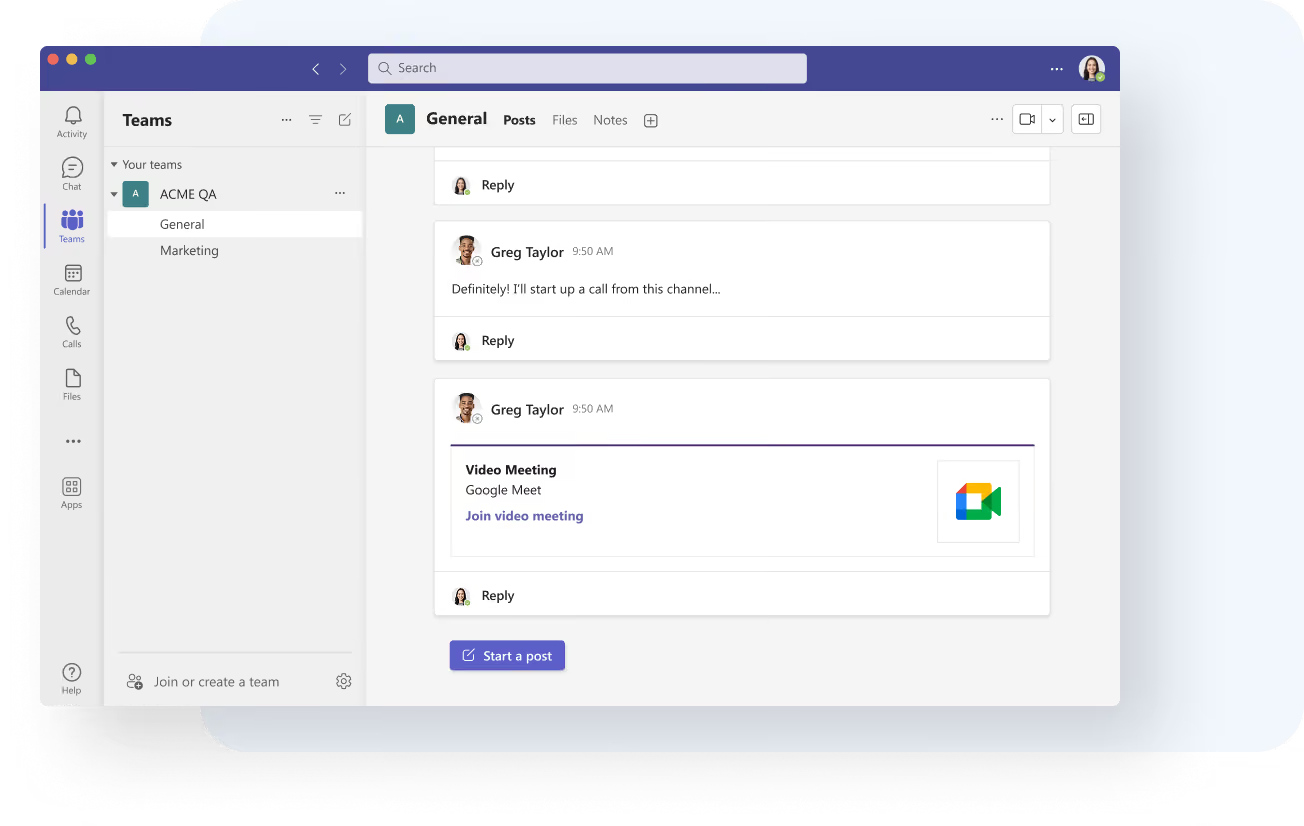
Mio delivers the invitation to Teams
Your colleague gets a message in Teams with the invitation and a link to join.
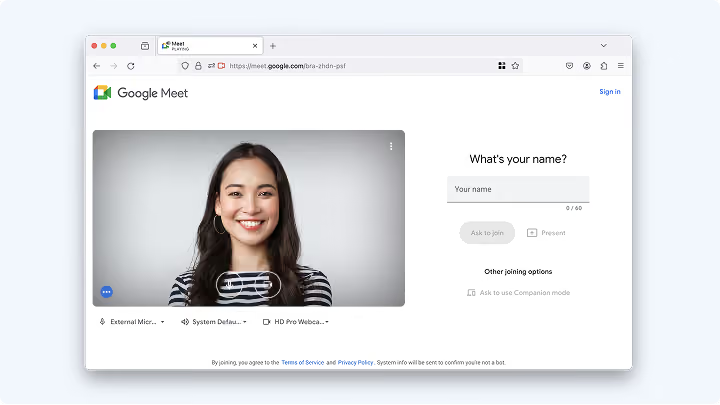
They join your Google Meet
The Teams colleague follows the link to join the Google Meet call or meeting.
Keep the conversation moving
When a quick question turns into a discussion, bring your cross-platform colleagues into a call. Move from messaging to a live conversation to work through a problem, clarify details, or make a decision together.
Meeting invites that land where people work
A Google Meet invite only helps if the right person sees it. Mio puts it in Teams, where your colleague already spends their day, so nobody has to paste a meeting link into an email and wait for them to see it.
Frequently asked questions
Can Teams users start calls with Google Chat users?
No. Call & Meeting Sync works for calls and meetings started in Google Chat. Teams colleagues receive the invitation in Teams and join from there.
What does my Teams colleague see?
A message in Teams with the call invitation and a link to join the Google Meet.
Does the Teams user need a Google account?
No. Mio leverages an interoperability account that allows the Teams user to join the call or meeting.
Does it work for group calls?
Yes. Call & Meeting Sync works in Direct Messages and group chats as well as spaces.
Is Call & Meeting Sync included with Chat Sync?
Yes. Call & Meeting Sync is included with a standard Mio license.
Leading the way in collaboration interoperability
Get expert help and advice about all things chat and collaboration.